

Before You Renew: A Year-End Microsoft Licensing Checklist for 2027 Planning
Most Microsoft licensing advice published this year told organizations to act before a deadline. Those deadlines have passed. Both of the changes that reshaped Microsoft renewals in 2026 are now live. The question has moved from how to prepare to what to check, which makes year-end a better moment for this work than it first looks. Nobody is racing a date, the behaviour is observable, and 2027 budgets are still open.
Two Changes Landed in 2026
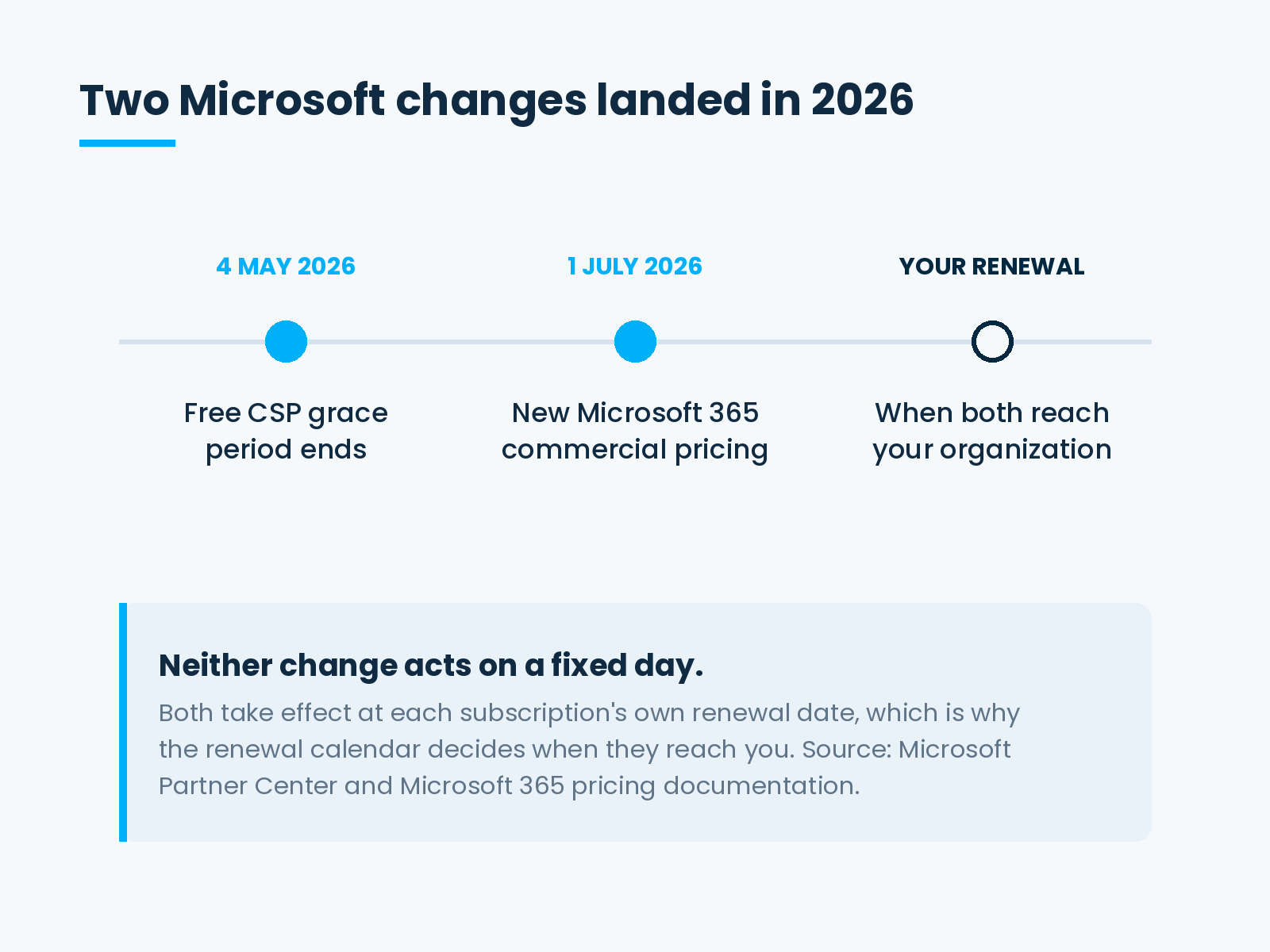
They came from different parts of Microsoft, two months apart.
On 4 May 2026, Microsoft discontinued the free grace period for accessing services on nonrenewed CSP subscriptions. The Partner Center documentation puts it plainly: customers who do not renew must either cancel at end of term without service, or enter a paid extended service term to continue service.
On 1 July 2026, new commercial pricing for Microsoft 365 suites and standalones took effect. Microsoft’s pricing FAQ confirms the date and states that the change reaches new and renewing customers globally, across both annual and monthly billing plans.
Neither change asks anything of an organization until its renewal date arrives. That is precisely why both are easy to miss.
Turning Off Auto-Renew No Longer Cancels
This is the part worth reading twice.
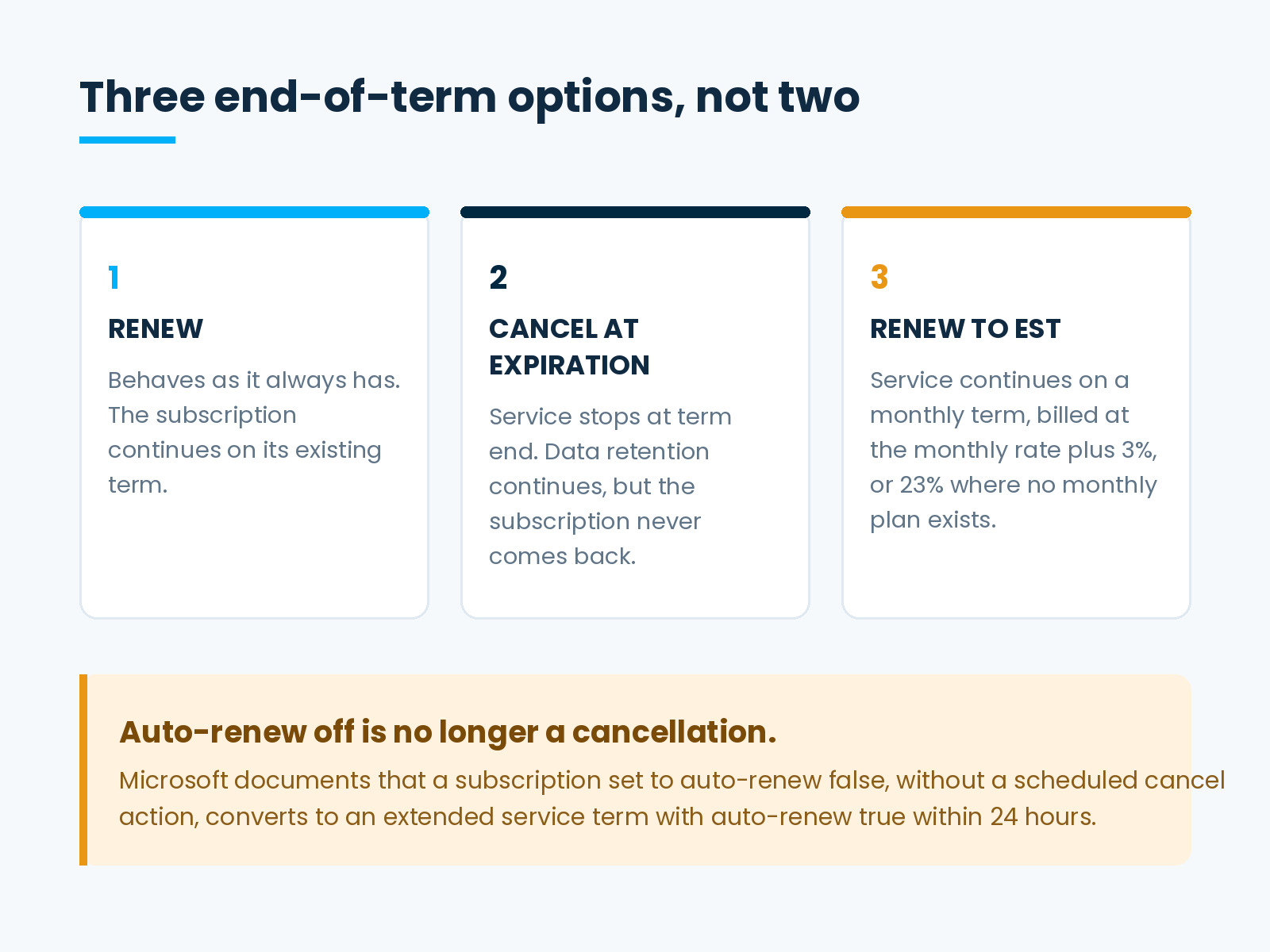
For years, switching auto-renew off was how an organization let a subscription lapse. Microsoft now documents that a subscription updated with only auto-renew set to false, without a scheduled cancel action, converts to an extended service term with auto-renew set back to true within 24 hours.
The extended service term bills monthly at the current monthly term rate plus a 3% uplift, or 23% where no monthly plan exists.
So the action an administrator takes to stop paying can now result in continuing to pay, at a higher rate, on a monthly term that renews itself. Cancelling requires an explicit scheduled cancel action.
Microsoft replaced the historic two end-of-term options with three, and each subscription needs one chosen deliberately:
- Renew — behaves as it always has.
- Cancel at expiration — stops service at term end. Data retention continues, though the subscription never comes back.
- Renew to an extended service term — service continues, billed at the extended rate.
Eligibility has boundaries worth confirming rather than assuming. Microsoft describes extended service terms as covering commercial and public sector subscriptions, with trials and end-of-sale SKUs excluded, and points to a specific window for subscriptions purchased or renewed between 1 April 2025 and 4 May 2026.
What the July Pricing Change Actually Touched
The change applies broadly across the Microsoft 365 commercial range, including Office 365 E3 and E5, Microsoft 365 E3 and E5, Business Basic and Business Standard, Microsoft 365 Apps, the F and G SKUs, and Entra P1 and P2.
Three exclusions are worth knowing. The change leaves standalone Teams and Copilot SKUs alone. Microsoft 365 E7 pricing stays as it was. Consumer and education pricing sits outside the change entirely.
Microsoft publishes per-SKU amounts in its commercial pricing update table rather than as a single percentage, so the only reliable figure for any given organization is the one for its own SKUs. Existing multi-year agreements continue at current pricing until they renew.
Count the Seats Before You Count the Cost
Purchased, assigned and actively used are three different numbers. The gap between the first and the third is where the money sits.
Pull the seat count per subscription, then pull sign-in activity against it. Someone who has not signed in for a quarter is a question. Someone who left the organization is an answer, and leavers are the category most often missed, because offboarding tends to focus on the systems holding sensitive data rather than the ones quietly billing.
Two habits inflate the first number. Seats bought ahead of a hiring plan that changed shape, and seats added for a project that finished. Neither gets released, because releasing them is nobody’s job and nothing complains.
Check the Tier, Not Just the Count
Seat counts attract scrutiny. Tiers rarely do.
Look for people sitting on a premium suite whose work a lighter one covers. Then look for the opposite case, where someone sits on a tier that excludes a capability their role depends on and a workaround has quietly grown up around it. Both cost money, in different directions, and only one of them shows up as a licensing line.
Tier decisions also tend to be made once, at the point a person joins, and then inherited by whoever fills the role next. A tier that matched the first person’s job may not match the third person’s.
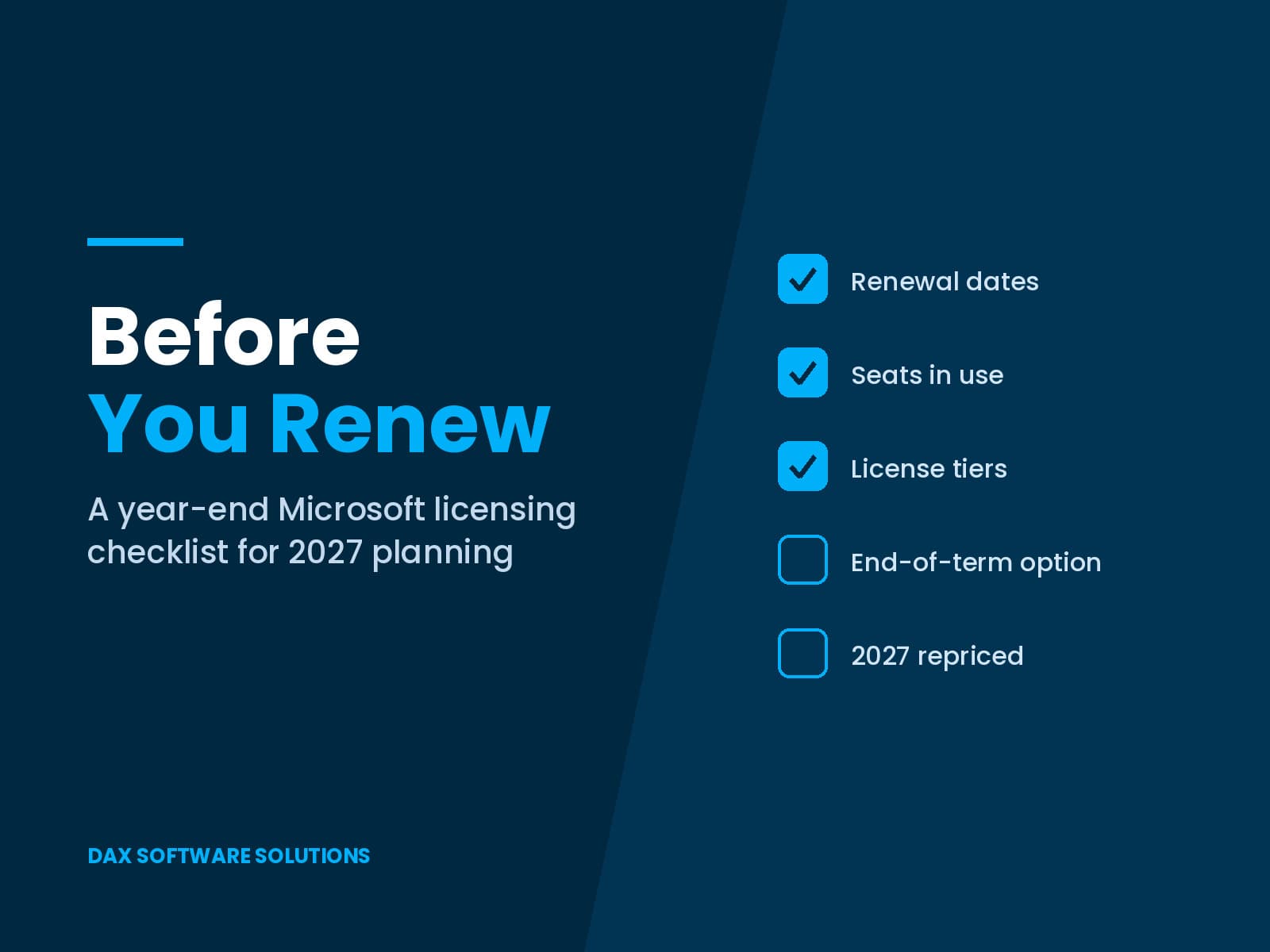
The Year-End Microsoft License Renewal Checklist
Run these in order before anyone writes down the 2027 number.
- List every renewal date. Both 2026 changes act at renewal rather than on a fixed day, so the renewal calendar decides when each one reaches you.
- Find every subscription set to non-renewing and confirm what it is actually doing now. Some may be sitting on a paid extended term nobody authorised.
- Choose one of the three end-of-term options for each subscription, explicitly.
- Reconcile purchased against actively used seats, and disable accounts for people who have left.
- Review tiers, in both directions.
- Reprice every subscription at the current rate against the corrected seat count. That figure is the 2027 line, not last year’s invoice.
- Name an owner for the renewal calendar and for tier changes, with a quarterly review date.
Confirm the Specifics, Not Just the Shape
One honest caveat. Everything above describes how Microsoft documents these programmes publicly. What any individual organization may claim, qualifies for, or pays depends on its agreement, its channel and its subscription history.
Eligibility windows and end-of-term behaviour are worth confirming in Partner Center or with the partner who holds the contract before acting on any of it. A blog post is a good prompt to go and look. It is not a substitute for the look.
DAX Software Solutions: Right License, Right People, Real Value
DAX Software Solutions provides Microsoft 365 license review and CSP billing, alongside Dynamics 365 and Power Platform work, which means the renewal conversation and the usage picture sit in the same place.
DAX helps clients:
- Review Microsoft 365 licensing across seats, tiers and renewal dates, and identify what the organization pays for and nobody uses.
- Manage CSP billing and the end-of-term decision on each subscription, so nothing drifts onto a paid extended term unnoticed.
- Reprice the estate against current rates for a 2027 budget that holds.
- Implement, optimize and support Dynamics 365 and the wider Microsoft platform around it.
Renewals are easy to approve and hard to question, because the invoice looks familiar and nothing in the process asks whether it should. Year-end is the one moment when the question is cheap to ask.
Before you renew, talk to DAX Software Solutions about what a licensing review would turn up.