

Your Licensing Guide Changed More Often Than Your ERP Did
By DAX Software Solutions ·
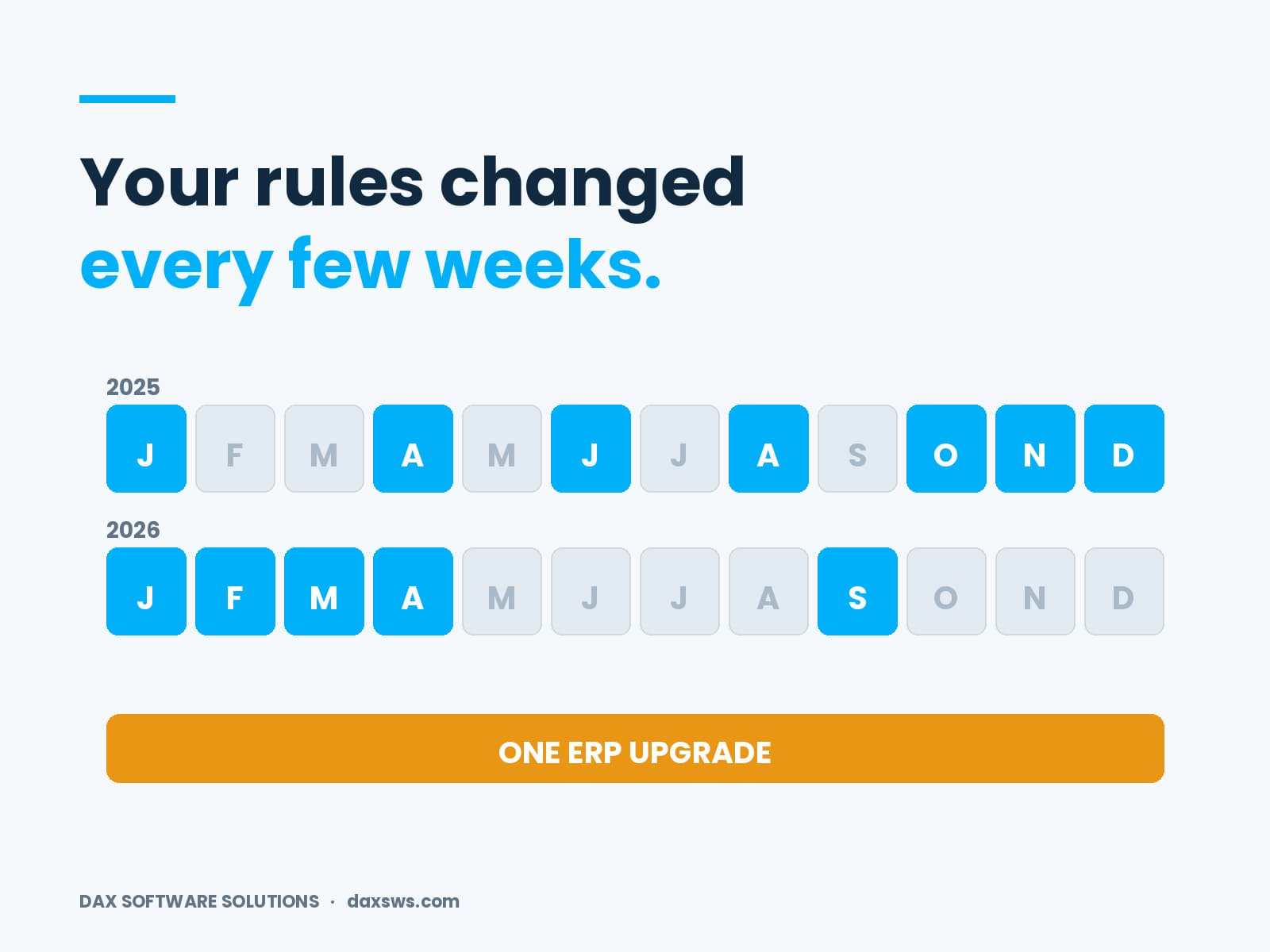
Most firms upgrade their ERP every few years. The rules that set what it costs move every few weeks. Dynamics 365 licensing changes came through a dozen dated guide editions across 2025 and 2026. Others came through rollout notices that were later revised. Here is what changed, when, and which parts affect you now.
How often does the Dynamics 365 Licensing Guide change?
Far more often than most teams expect. There is no fixed schedule for Dynamics 365 licensing changes. Nothing tells you when a new one lands.
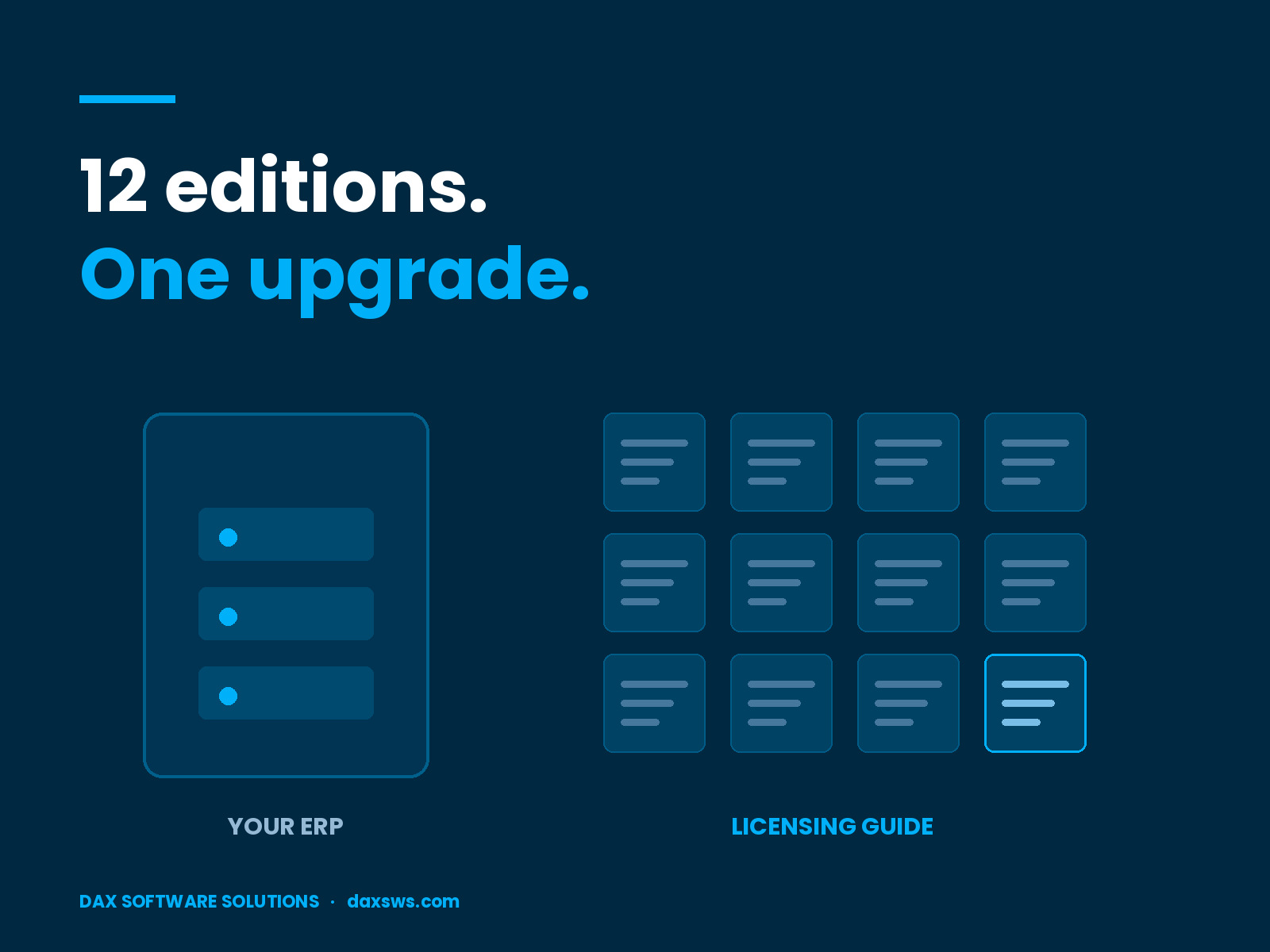
Microsoft’s content network carries dated editions for January, April, June, August, October, November and December 2025. It carries five more for 2026: January, February, March, April and September. Some months have a second revision, marked PUB2.
The guidance page is clear about this. Microsoft can review or update the document at any time, without notice. It also says the guide is not a legally binding licensing rights document. Your agreement and the Product Terms are what bind.
So the document your business case rested on has changed more often than your system has.
What changed in per-user licence validation?
This is the clearest of the recent Dynamics 365 licensing changes. Microsoft published a schedule, then amended it twice.
The first schedule had three steps. From 30 April 2025, admins got licence usage reporting in the Power Platform admin center. From 1 September 2025, users with no assigned licence began seeing an in-product notice. From 1 November 2025, users needed an assigned licence to open the finance and operations apps.
Then the dates moved. A May 2025 update gave a twelve-month grace period from the renewal date. It applied to customers with active renewals in a set window. A September 2025 update then added a staged rollout. That one covers contract renewals or anniversaries after 15 January 2026.
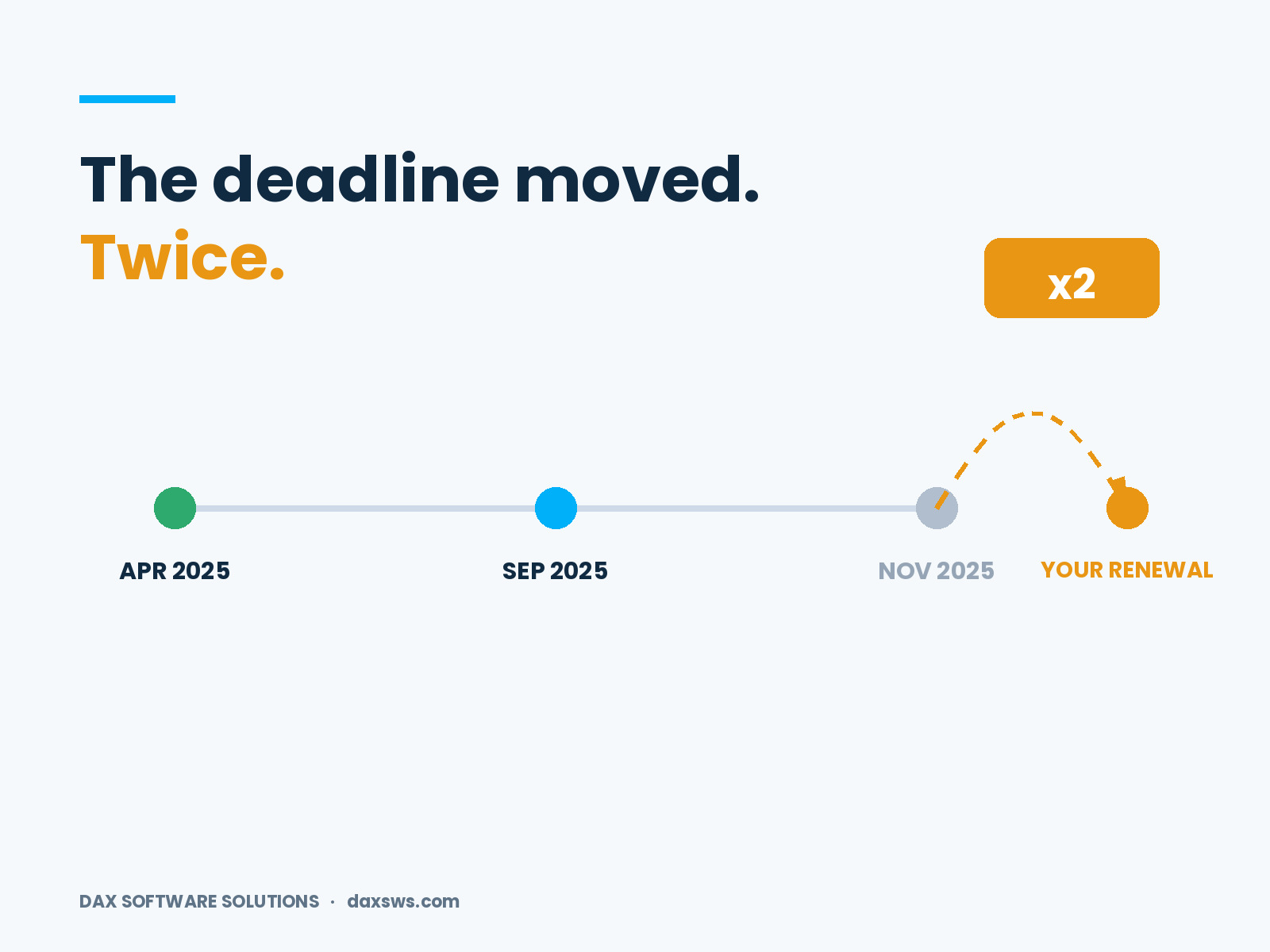
Read the guidance in April, June and October and you got three different deadlines.
Microsoft also named the apps in scope. They are Finance and Finance Premium, Supply Chain Management and SCM Premium, Commerce, Project Operations, and Human Resources. We covered the mechanics in what to know before validation reaches production.
What changed in how agents are metered?
The currency changed. From 1 September 2025, the common currency for agents moved from messages to Copilot Credits. Microsoft says the quantity per prepaid pack did not change, and nor did the pay-as-you-go rate.
That reads like a renaming. For the invoice, it largely was. For planning, it was not.
The new unit is weighted by use rather than flat. Microsoft describes Copilot Credits as measuring the time and effort an agent needs. Retrieving data, answering prompts and running actions all count. The number depends on how complex the task is.
So a forecast built on message counts does not convert cleanly. That is one quiet reason agent business cases drifted. The rest of that meter sits in the Copilot capacity trap, including monthly limits and the 125 percent threshold.
What changed for external users?
The definition narrowed, and two versions are now live at once. This is the quietest of the Dynamics 365 licensing changes. It is also the one most likely to catch a portal project.
Until October 2024, external users were people who were not employees, onsite contractors or onsite agents. From 1 October 2024, the wording got specific. Not employees. Not contractors or agents who typically work more than 30 hours a week on average. Not contractors or agents who are typically onsite every working day.
Microsoft applies the newer wording to agreements signed on or after that date. So the version that governs you depends on when you signed, not on what you built. How to license people who are not your employees sets it out in full.
Which Dynamics 365 licensing changes affect you now?
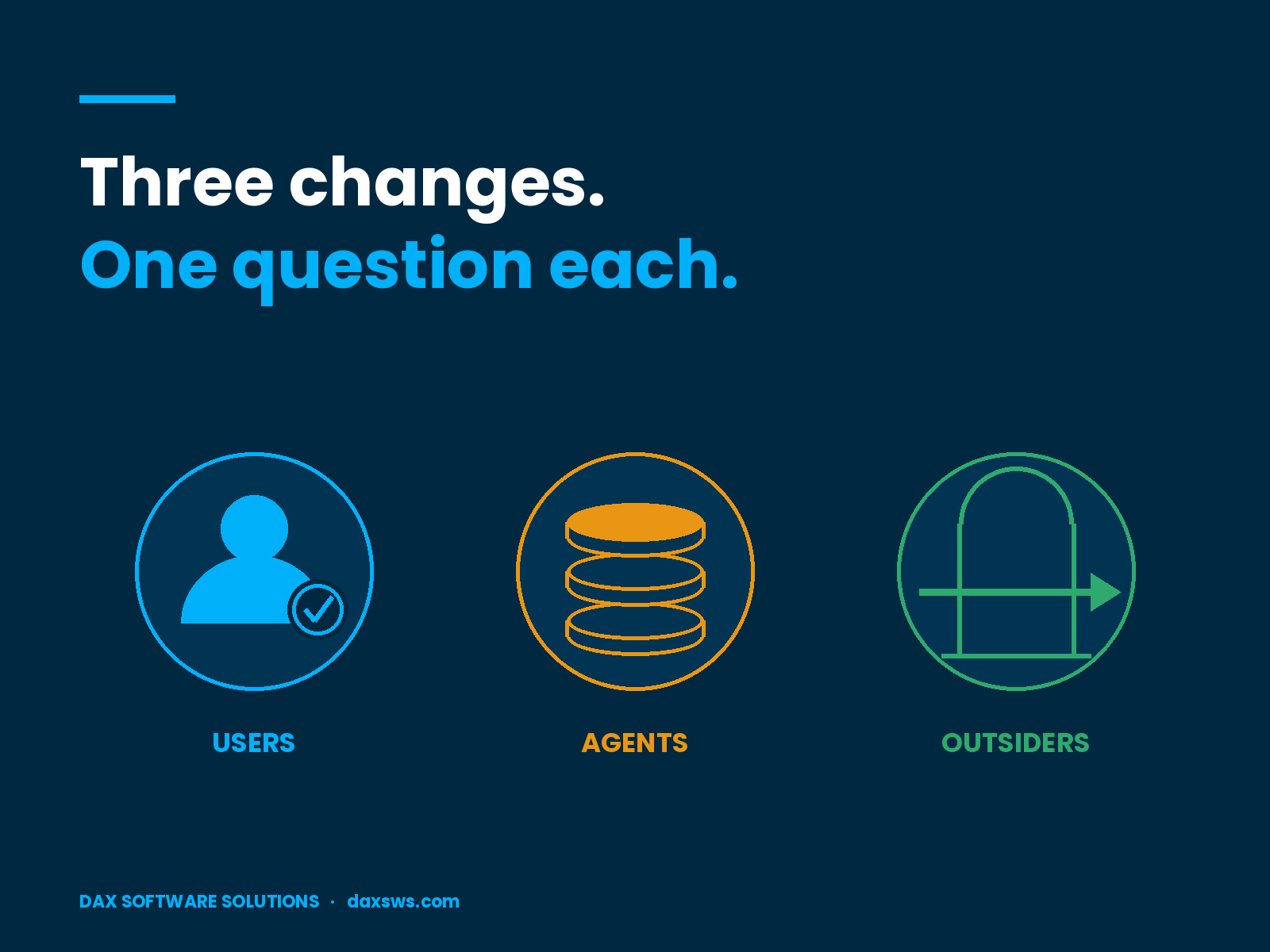
Three questions sort the noise from the signal:
- Do you run finance and operations apps? Then per-user licence validation applies. Your date follows your renewal or anniversary, not a universal deadline.
- Do you have agents in production or in a business case? Then Copilot Credits govern your run cost. Any forecast written before September 2025 used a different unit.
- Do customers, suppliers or contractors reach your data? Then the external user rule applies, and your enrolment date decides which version.
Answer no to all three and the last two years have passed you by. Most firms answer yes to at least two.
How do you keep up without reading every edition?
You do not need the diff. You need a filter and an owner. Tracking Dynamics 365 licensing changes is a reading habit, not a research project.
The filter is your own estate. A change matters only where it touches something you run. That turns a long document into a handful of pages.
The owner needs both halves. Knowing the systems and knowing the contract usually sit with two different people. The review only works when both turn up.
Then write the answer down and date it. Name the edition it came from. Most teams re-argue this every year because last year’s answer was never recorded. Design choices move the answer too, which is why your licence position is often set by engineers rather than buyers.
Timing matters as much as ownership. Run the review once a year at minimum. Run it again whenever a renewal is coming up. Renewal is the point where the commercial position is genuinely adjustable. It is also the point where a stale reading costs real money.
Frequently asked questions
How often is the Dynamics 365 Licensing Guide updated?
There is no fixed schedule. Microsoft can update it at any time without notice. Dated editions appeared in most months across 2025 and 2026.
When did per-user licence validation take effect?
Reporting arrived on 30 April 2025. Notices followed on 1 September 2025. The access rule applied from 1 November 2025. Later updates added a grace period and a staged rollout tied to renewal dates after 15 January 2026.
When did Copilot Credits replace messages?
On 1 September 2025. The quantity per prepaid pack and the pay-as-you-go rate stayed the same.
Is the licensing guide legally binding?
No. Microsoft says it is not a legally binding licensing rights document. Where it conflicts with your agreement, your agreement wins.
What to do before your next renewal
Dynamics 365 licensing changes will not slow down. The products under them are not slowing down either. So the fix is not to read every edition.
Accept instead that commercial terms now need the same review cadence that code already gets. Then give that review an owner and a date.
Microsoft’s licensing guidance is informational and changes without notice. Check your position against your agreement with Microsoft, or with the partner who holds your contract, before you act on any of this.
At DAX Software Solutions, we read these documents so our clients do not have to. We keep the reading tied to the systems we support. If nobody has checked your position against the current edition, talk to our team.