

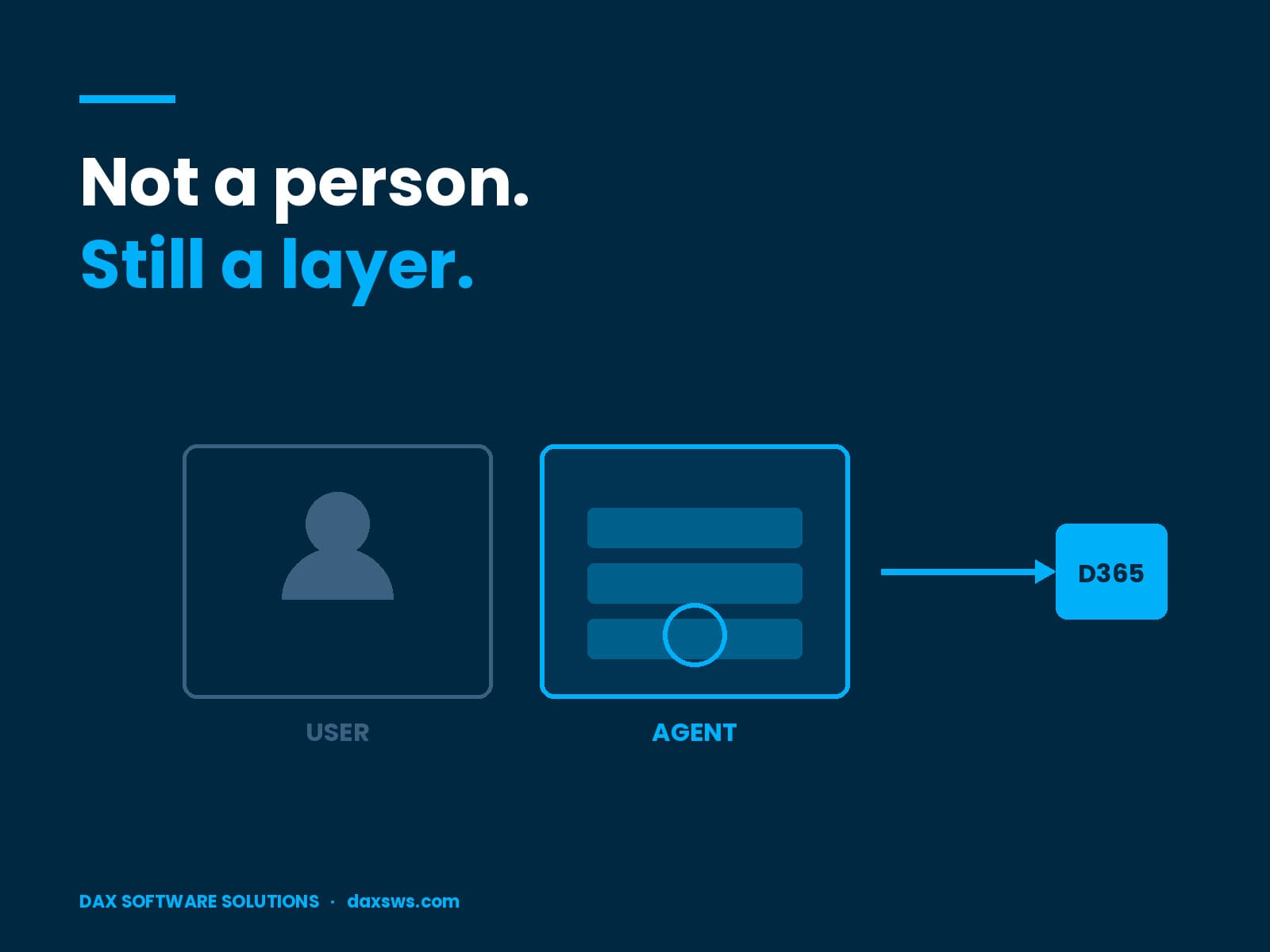
What Multiplexing Means When the Caller Is Not a Person
By DAX Software Solutions ·
Most licensing teams have read the multiplexing rules at least once. Nearly all of them read with an integration account in mind, or a customer portal. Something sits between a person and the data, and the question is whether that layer cuts the licence count.
It does not. That answer has held for years. What is new is that the thing in the middle now has its own identity, its own permissions and its own schedule.
Do the Dynamics 365 Multiplexing Rules Cover Agents?
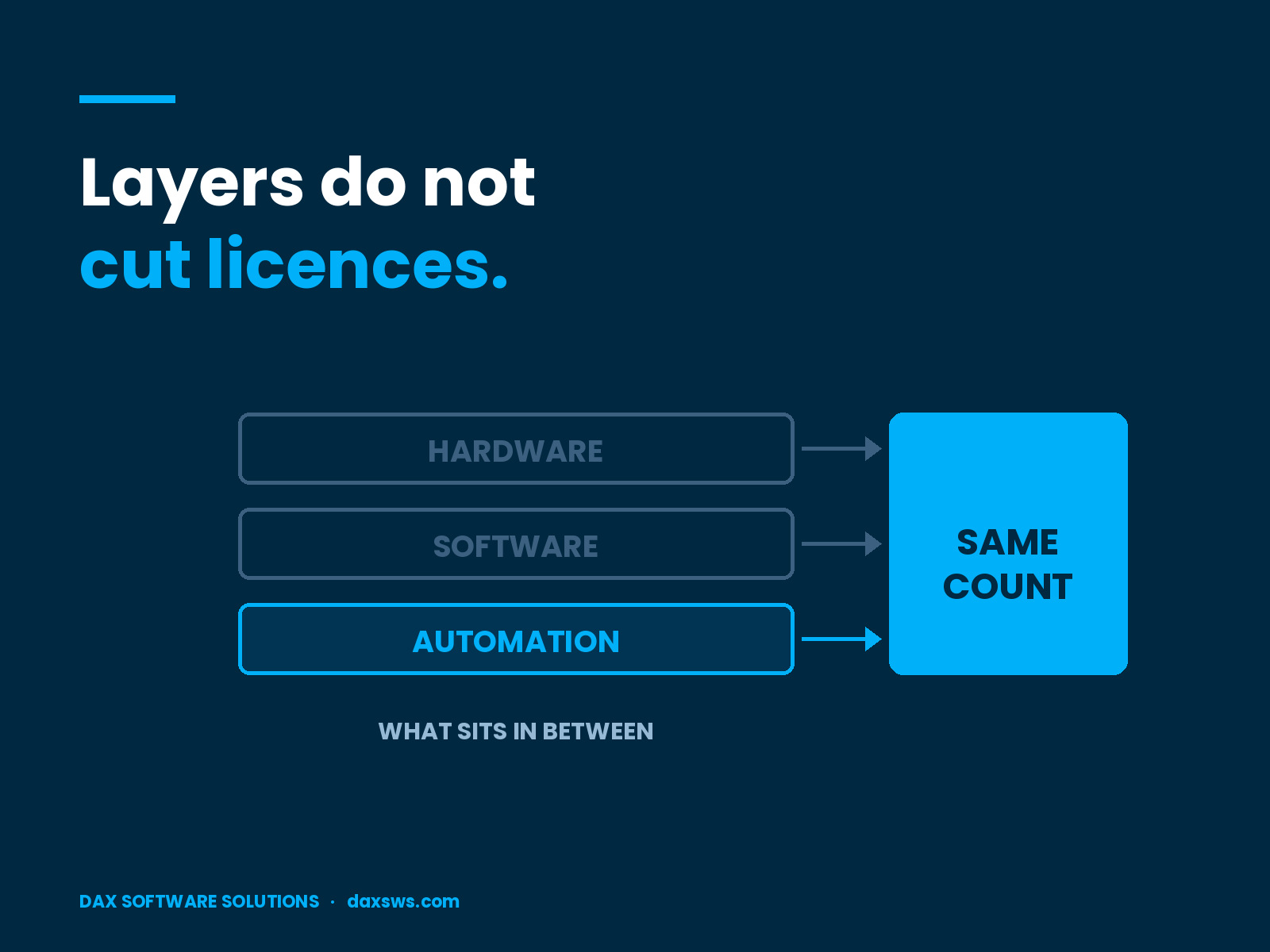
They cover automation, and Microsoft says so in the definition. Microsoft defines multiplexing as “any method (for example, hardware, software, or automation) used to” pool connections or reduce the users a product manages. The guidance adds that “the number of tiers of hardware or software between the Dynamics 365 service and the users or devices” does not change how many licences are required.
There is also a direct note that multiplexing “needs to be considered if data is moved within Dynamics 365 through Power Automate.” So Dynamics 365 multiplexing was never a portal-only rule. Automation was always in scope.
Where Does the Rule Stop Being Obvious?
At the point where there is no person to point to. The multiplexing model has a human at one end. Every worked example resolves to someone whose access the middle layer stands in for. An agent acting on a named user’s request fits that model cleanly. You can name the user, the user is licensed, and the layer changes nothing.
The harder case is the agent with its own identity, running on a timer, that nobody asked for this morning. It creates records. It updates records. At the moment it acts there is no person on whose behalf it acted, because the trigger was a clock.
Which Agent Patterns Change the Answer?
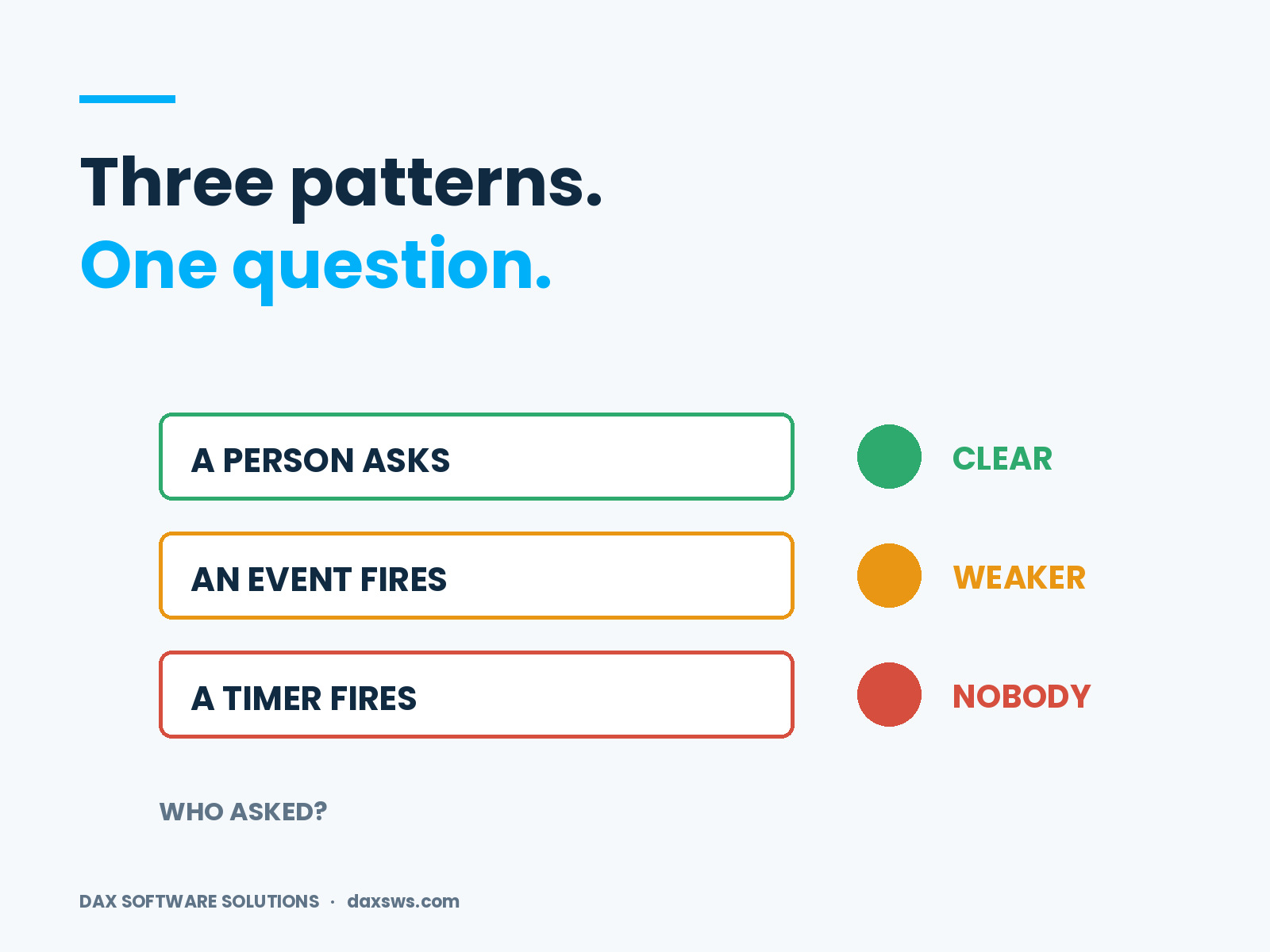
Three patterns, and the distance from a human decides the difficulty.
- A named user asks, and the agent acts. You can point to who asked, so this is the clean case.
- An event in the system fires, and the agent responds. A person usually sits behind the first change. But the chain is longer, and the trail is weaker.
- A schedule fires, and the agent writes. Nobody asked. This is where the model runs out of people.
Most pilots sit at pattern one. Most roadmaps arrive at pattern three.
Why Do Restricted Tables Make This Concrete?
Because the rule turns on the operation, not the intent. Restricted Dataverse tables need a Dynamics 365 licence to create, update or delete. Microsoft describes indirect access as working with Dynamics 365 data through a non-Dynamics 365 app. It also treats restricted and unrestricted tables differently. So an agent that reads a sales order sits in one spot. An agent that posts one sits in another. That line is already live in most pilots, and it rarely shows up on the design diagram.
What Should You Ask at Design Time?
Four questions, and all four belong in design rather than in the buying cycle.
- Which tables does this agent write to, and are any of them restricted?
- Under which identity does the write happen?
- Is there a named user on whose behalf the agent acted, and does the record show it?
- What triggers the agent, and can that trigger fire with no person present?
Write the answers down, name the agent and date the note. Microsoft’s own page states that your volume licence agreement controls where the guidance and the agreement conflict, so the date on your reading matters.
Who Creates This Exposure?
The people who build the agents, not the people who buy the licences. The same thing happened with security role design, which is why a licence count often gets set by engineers rather than buyers. Agents repeat that pattern faster. Somebody can build one in an afternoon and set it running before any review happens.
Identity makes it sharper still. Once an agent holds its own Dataverse security principal, the question of whose licence it uses stops being a thought experiment. It becomes a line on a bill.
Frequently Asked Questions
Does multiplexing apply to automation as well as people?
Yes. Microsoft’s definition names hardware, software and automation. The guidance also calls out data moved within Dynamics 365 through Power Automate.
Does an agent reduce the number of Dynamics 365 licences needed?
No. Microsoft states that multiplexing does not reduce the number of Microsoft licences required, and that the number of tiers between the service and the user does not change the count.
Do restricted Dataverse tables change the answer?
They sharpen it. Restricted tables require a Dynamics 365 licence to create, update or delete, and Microsoft’s guidance treats restricted and unrestricted tables differently.
Is the licensing guidance binding?
No. Microsoft’s page states that the volume licence agreement controls where the guidance and the agreement conflict.
What to Settle Before the Next Agent Ships
Dynamics 365 multiplexing did not change. The caller did. The rules still say that layers do not cut licences. They still assume a person at the end of the chain. An agent on a timer tests that assumption in a way no portal ever did. And the test happens in design sessions, not in the buying cycle. Microsoft’s licensing guidance is there to inform, and it changes without notice. Check your own position against your agreement, or with the partner who holds your contract, before you act on any of this.
At DAX Software Solutions, we design, build and support Dynamics 365 systems. We keep the licence question inside the design talk rather than after it. Our AI Readiness Assessment covers ERP stability, data quality, governance and integration before agents reach production. If agents in your estate already write to Dynamics 365 data, talk to our team.